

Settings
Settings is where a project’s owners and developers shape how it works. It is in the sidebar under Structure, beside Content types and Migrations. You see Settings if your role may change content types, manage website connections, roles or API tokens, or read the activity log; with the built-in roles, that is the Owner and the Developer. Each page below appears only to roles that may use it.
The settings menu has two groups. Project: General, Roles, Review stages and Website connections. Access: API tokens and Activity.
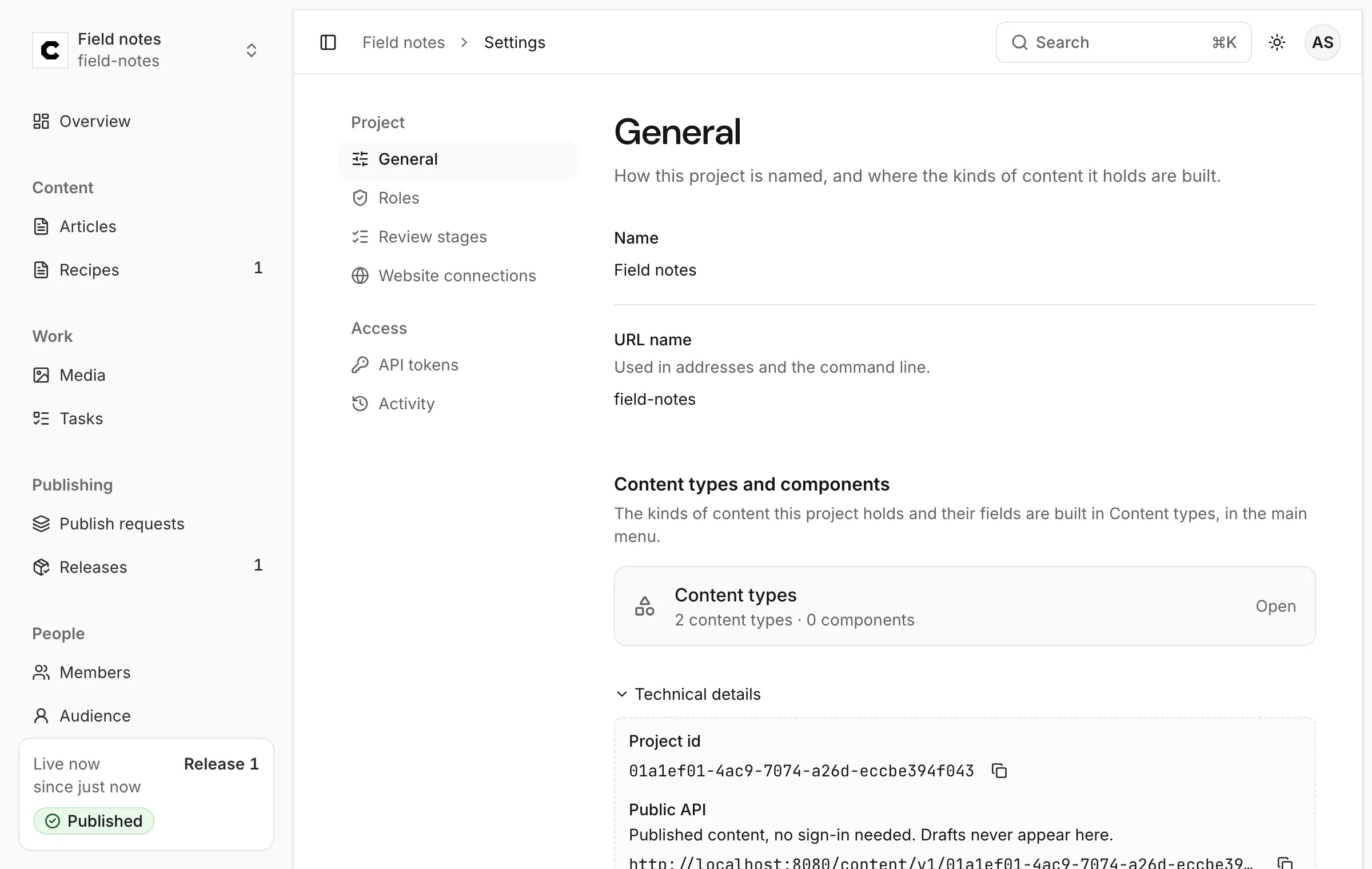
General
Section titled “General”The project’s Name and URL name (Used in addresses and the command line.), and a link to Content types. Technical details shows the Project id, which the APIs use, and the Public API address your website reads from.
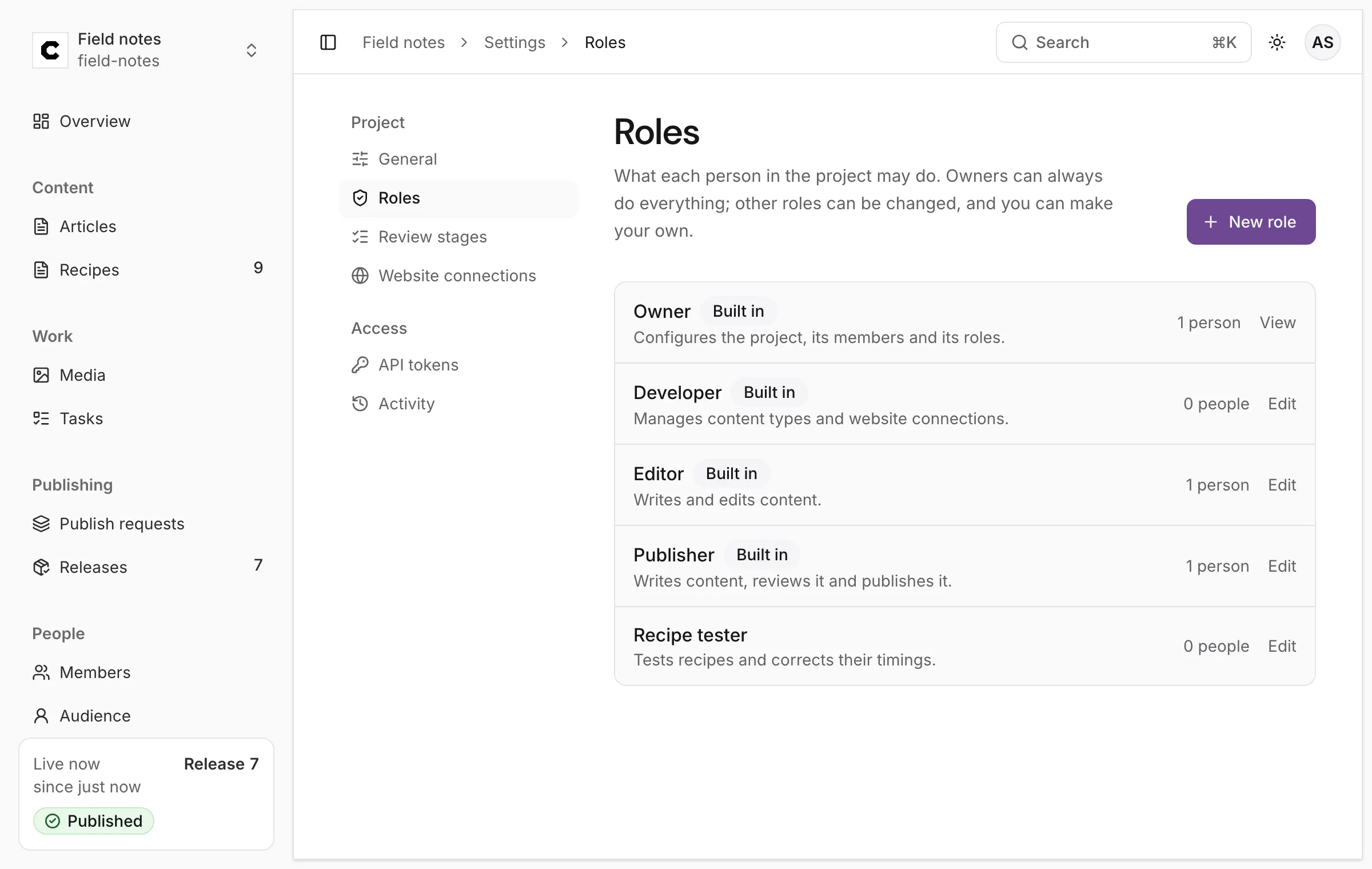
What each person in the project may do. The list shows the four built-in roles, marked Built in, and any you made, each with how many people hold it. New role makes one; Edit opens a role’s permissions. See Members and roles.
Review stages
Section titled “Review stages”The sign-offs a publish request needs before it can be published. With none, one approval publishes a request. Changing them needs a role that may change content types (Owner or Developer).
-
Press Add a stage.
-
Give it a name (Editorial, up to 100 characters) and a short name (editorial): a lowercase letter, then lowercase letters, digits and hyphens. The short name is what a review names, so changing it makes a different stage, and approvals recorded for the old one stop counting.
-
Tick Someone other than the sender must approve for a stage the sender may never approve alone.
-
Order the stages with the arrows, and remove one with the cross.
-
Press Save stages.
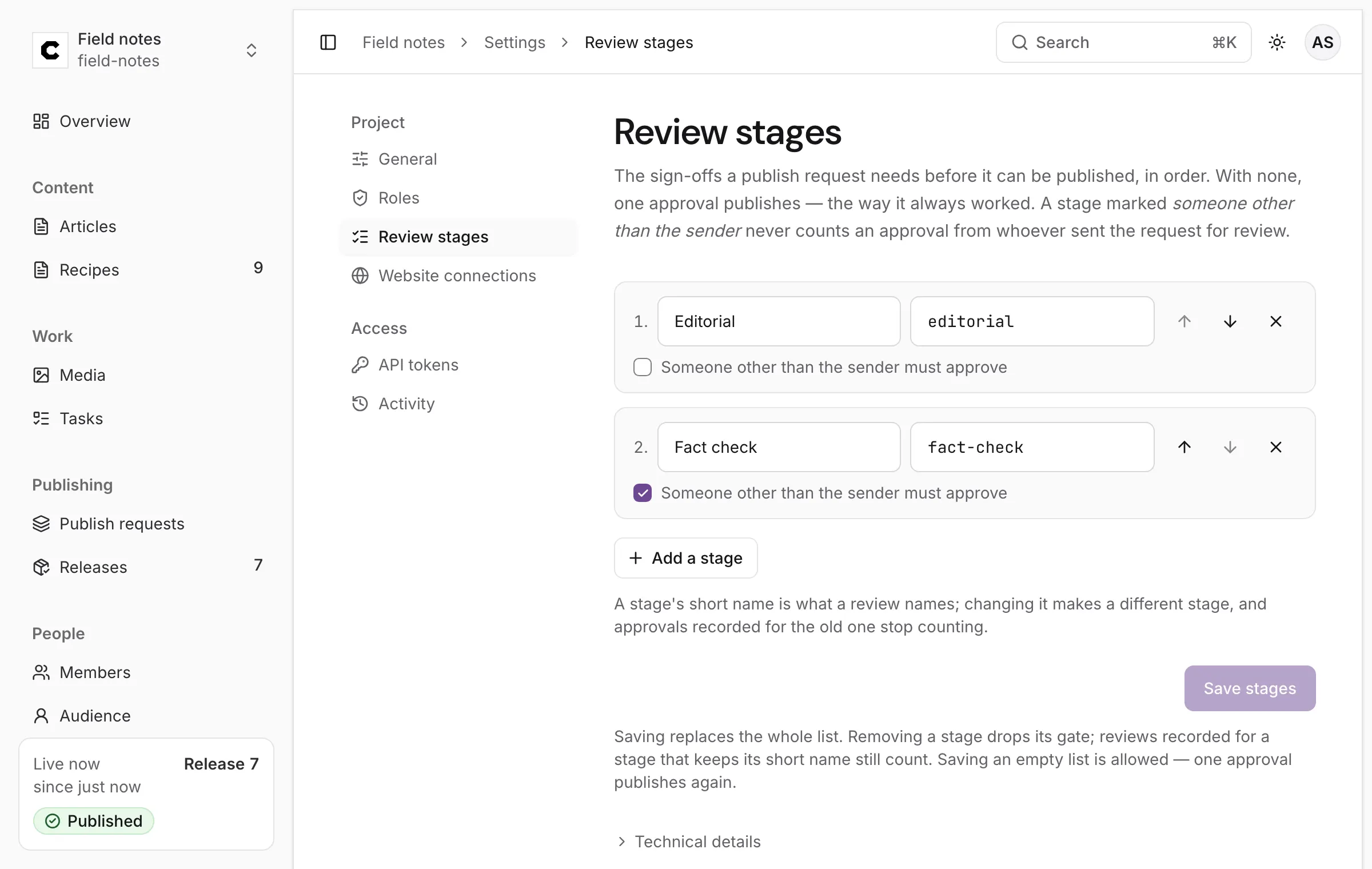
A project has at most 20 stages. Saving replaces the whole list. Removing a stage drops its gate; reviews recorded for a stage that keeps its short name still count. Saving an empty list is allowed — one approval publishes again. In the Studio, though, Save stages needs at least one stage in the list; to clear every stage, replace the list with an empty one through the API. If someone saved the stages while you were editing, Colophon refuses your save and offers Load the latest list.
How stages work on a publish request, in any order and with Request changes holding the whole request, is on Publishing and review.
Website connections
Section titled “Website connections”What happens to your website after each release. Each connection is one of three kinds:
| Kind | Does |
|---|---|
| Site rebuild | Tells your site a new release is out, so it can rebuild (a webhook). |
| Cache clear | Asks the cache in front of your site (a CDN) to drop the copies each release changed. |
| Site check | Reads your live site after each release to confirm readers see it. |
Add a connection asks for the Kind, a Connection name (So you know it in the list and on
each release’s receipt), and its public https address: the Webhook URL, Purge URL or URL
to check. A site check can also name a Location, so only workers there run it. Press Add website
connection.
Each connection in the list has a checkbox (Announce releases, Purge on release, Check each
release) that pauses or resumes it. Every release’s receipt
says what each connection did.
The page also holds Preview on your site, the address editors’ previews open: see Preview.
Managing connections needs the Owner or Developer role. Other roles see Your role doesn’t manage website connections, so they stay hidden: their addresses may carry secrets. The full reference, with what each kind sends, is Website connections.
API tokens
Section titled “API tokens”A token lets a script, your site’s build or another tool use this project’s content without anyone’s password. New token makes one with its own powers and end date; each can be revoked at once. Only roles that may manage API tokens (the Owner, by default) see this page. Step by step: Make one in the Studio.
Activity
Section titled “Activity”Who changed roles, members, invitations and API tokens, and when. Nobody can edit or delete this record, not even an owner. Narrow it with Kind of change and Person, and press Show older for earlier changes. Reading it needs the Owner role, or a role given See the activity log.
The log records more than the Studio can name yet: changes such as comments, tasks and review stages are listed as made a change this Studio can’t describe yet.
Content types and components
Section titled “Content types and components”Under Structure → Content types, owners and developers build the kinds of content the project holds. New content type makes one: its Name, the Address name the API uses (it can’t change later), what each entry is called, and whether it holds Many entries or just one. Add a field adds fields of every kind, from Text and Rich text to Link to entries (Linked entries) and Uploaded file, and Save keeps the change. New component makes a group of fields several content types share, such as SEO fields.
The Quick start builds one step by step, and Content types covers the same through the API. Some settings have no control in the Studio yet and are made through the API: marking a field filterable, so the delivery API can filter and sort on it, is one (Filter and sort).
Migrations
Section titled “Migrations”When a change to a content type would leave existing entries invalid, Colophon refuses it and names the entries in the way. Plans are made from a content type’s page, on the refusal that names the entries. Migrations lists those plans: each names every entry it changes, waits for approval, and a worker applies it. See the API reference for the migration routes.
Was this page helpful?
Either answer opens a short issue on GitHub, so you can say what worked or what was missing.
Colophon home · the product, its blog and how to try it.